
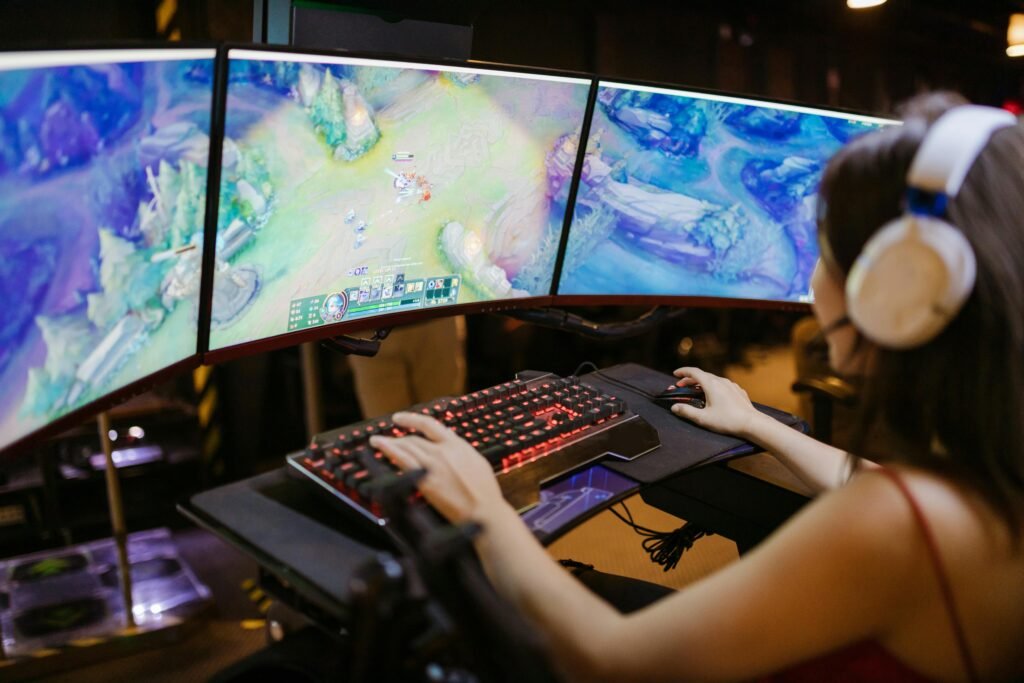
Gaming PCs are built for power — high‑end graphics, fast processors, and intense performance. But all that power generates heat, and when cooling can’t keep up, problems start fast. Across Macclesfield, overheating gaming PCs are one of the most common issues we see at Macc Tech Repairs, and the symptoms range from annoying to downright dangerous.
This guide explains why gaming PCs overheat, how to spot the warning signs, and what you can do to fix the problem — including when it’s time to bring it to a professional.
Common Signs Your Gaming PC Is Overheating
Most overheating issues start small, but they get worse quickly. Look out for:
1. Loud or constantly running fans
Your PC shouldn’t sound like a jet engine during basic tasks.
2. Sudden shutdowns or restarts
This is your system protecting itself from heat damage.
3. Stuttering or FPS drops during games
Thermal throttling slows your components to reduce heat.
4. Burning smell or excessive heat from the case
A major red flag — turn it off immediately.
5. Blue screens or crashes
Heat can cause instability across the whole system.
If you’re noticing any of these, it’s time to act before permanent damage occurs.
Why Gaming PCs Overheat
There are several common causes — some simple, some more serious.
1. Dust Buildup
Dust is the number one cause of overheating in gaming PCs.
Why it’s a problem:
- Blocks airflow
- Clogs fans
- Insulates heat
- Causes components to run hotter
At Macc Tech Repairs:
We perform deep internal cleaning to restore proper airflow and cooling.
2. Old or Dried Thermal Paste
Thermal paste transfers heat from your CPU/GPU to the cooler. Over time, it dries out.
Symptoms:
- High CPU temps
- High GPU temps
- Sudden performance drops
Our fix:
We remove the old paste and apply high‑quality thermal compound for optimal heat transfer.
3. Failing or Weak Fans
Fans wear out over time or become noisy and inefficient.
Signs:
- Rattling noises
- Fans not spinning
- Poor airflow
Our solution:
We replace faulty fans and ensure your case has the right airflow setup.
4. Poor Case Airflow
Even powerful PCs overheat if the case isn’t designed well.
Common issues:
- Too few fans
- Fans facing the wrong direction
- Cables blocking airflow
- Hot air trapped inside
At Macc Tech Repairs:
We optimise your airflow layout for maximum cooling.
5. Overclocking
Overclocking boosts performance but increases heat dramatically.
If not managed properly, it leads to:
- Crashes
- Throttling
- Long‑term component damage
We can help stabilise your overclock or return your system to safe settings.
6. GPU or CPU Cooler Issues
Coolers can fail, become loose, or simply not be powerful enough.
Our fix:
We test your cooling system and recommend upgrades if needed — from better air coolers to full liquid cooling setups.
How Macc Tech Repairs Fixes Overheating Gaming PCs
Macclesfield gamers trust us because we take a thorough, expert approach.
Our overheating service includes:
- Full internal clean
- Thermal paste replacement
- Fan testing and replacement
- Airflow optimisation
- Temperature monitoring
- Stress testing
- Cooler upgrades (if needed)
We make sure your PC runs cool, stable, and ready for long gaming sessions.
How Much Does It Cost to Fix an Overheating Gaming PC?
Typical price range in Macclesfield:
- Deep clean: £20–£40
- Thermal paste replacement: £20–£35
- Fan replacement: £10–£30 per fan
- Cooling upgrades: Varies by model
- Full overheating service: £40–£70
At Macc Tech Repairs, you always get clear pricing before any work begins.
Can You Fix Overheating at Home?
Some basic steps you can try:
- Clean dust filters
- Move your PC to a cooler, open space
- Check fans are spinning
- Remove unnecessary background programs
- Ensure cables aren’t blocking airflow
If the problem persists, it’s best to get a professional diagnosis — overheating can permanently damage your GPU, CPU, or motherboard.
Why Macclesfield Gamers Choose Macc Tech Repairs
We’re trusted because we offer:
- Fast turnaround
- Expert diagnostics
- High‑quality cooling solutions
- Honest, transparent pricing
- Friendly, local service
- Repairs for all gaming PC brands and custom builds
Whether you’re a casual gamer or running a high‑end rig, we’ll keep your system cool and performing at its best.
Final Thoughts
Overheating is one of the most common — and most dangerous — issues for gaming PCs. But with the right care, it’s completely fixable. If your PC is running hot, loud, or unstable, Macc Tech Repairs is here to help with expert cooling solutions right here in Macclesfield.